Accounts and signing in
Two addresses, one product
FormsUI answers on two addresses. Both serve the same product with the same features.
| Address | Who it is for | Sign-in |
|---|---|---|
formsui.com | Everyone. The main address | A FormsUI account |
forms.civicport.io | Communities that run on CivicPort | A CivicPort account |
If you are not a CivicPort customer, use formsui.com and ignore the other
address.
The sessions are separate
Signing in on one address does not sign you in on the other, and an account created on one cannot be used to sign in on the other. They are two separate sets of accounts that happen to reach the same product.
One person can hold an account on each. They are still two accounts, with their own passwords and their own workspaces, so pick the address you mean to use and stay on it. Links FormsUI emails out come back to the address the sender used.
CivicPort accounts
On forms.civicport.io your CivicPort account is your FormsUI account. If you
are already signed in to CivicPort, you arrive signed in; there is no second
password.
Community admins reach FormsUI from CivicPort and work in their community's
workspace (see Workspaces). A Back to CivicPort link in
the header takes you back.
Creating an account
From Create a free account on the sign-in page, or /signup.
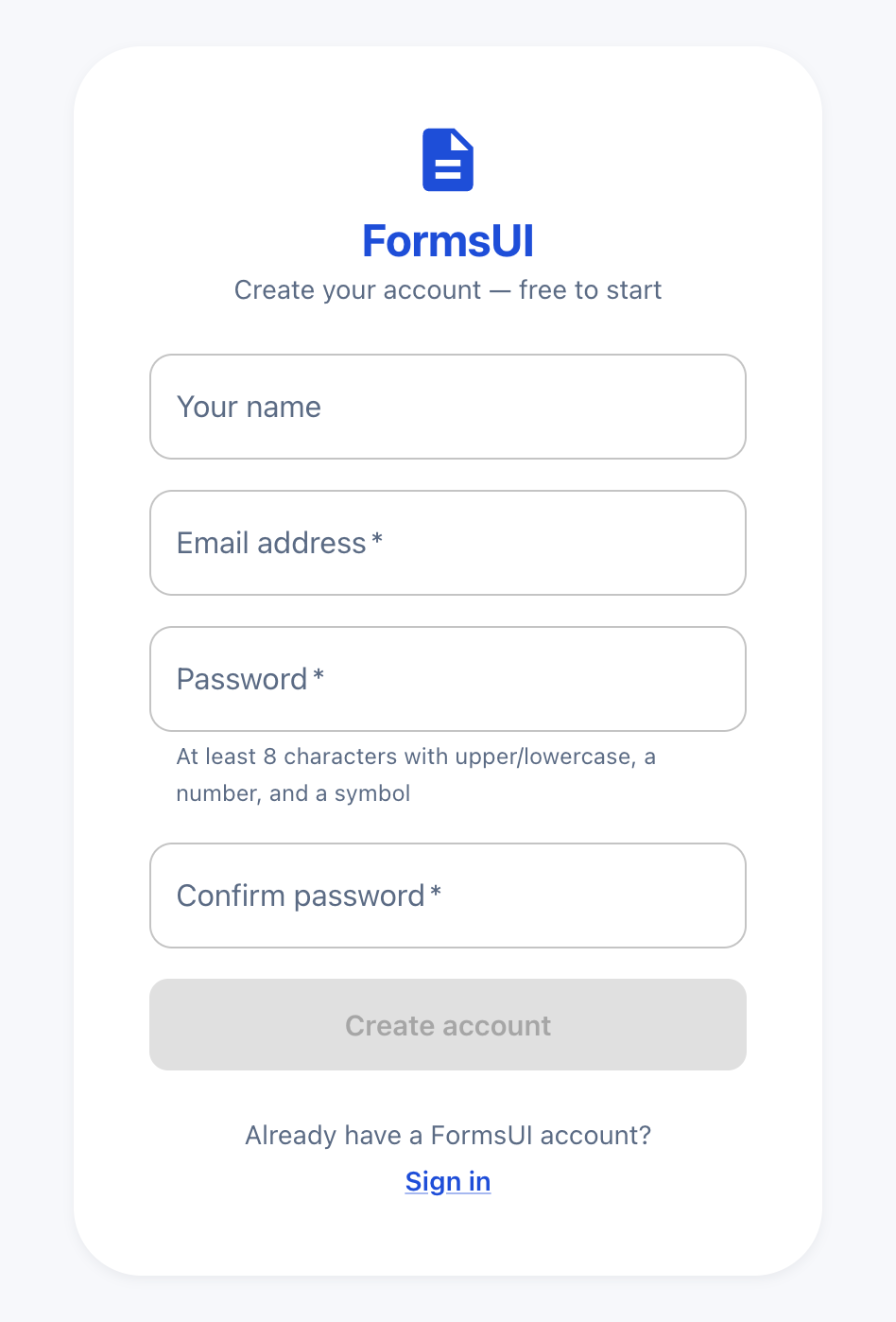 The password rule is shown under the field, so a rejected password is never a surprise.
- Enter your name, your email address and a password. The password needs at least 8 characters, with upper and lower case letters, a number and a symbol.
- FormsUI emails you a 6-digit verification code. Enter it.
Resend codesends another if the first does not arrive. - You are signed in and land on your forms list, in your own personal workspace.
Creating an account is free. Nothing is charged until you use a paid feature, and the price is always shown first.
If you were sent a team's join link before you had an account, the sign-up page says so and adds you to the team once your account exists. The same is true of an emailed team invite.
Signing in
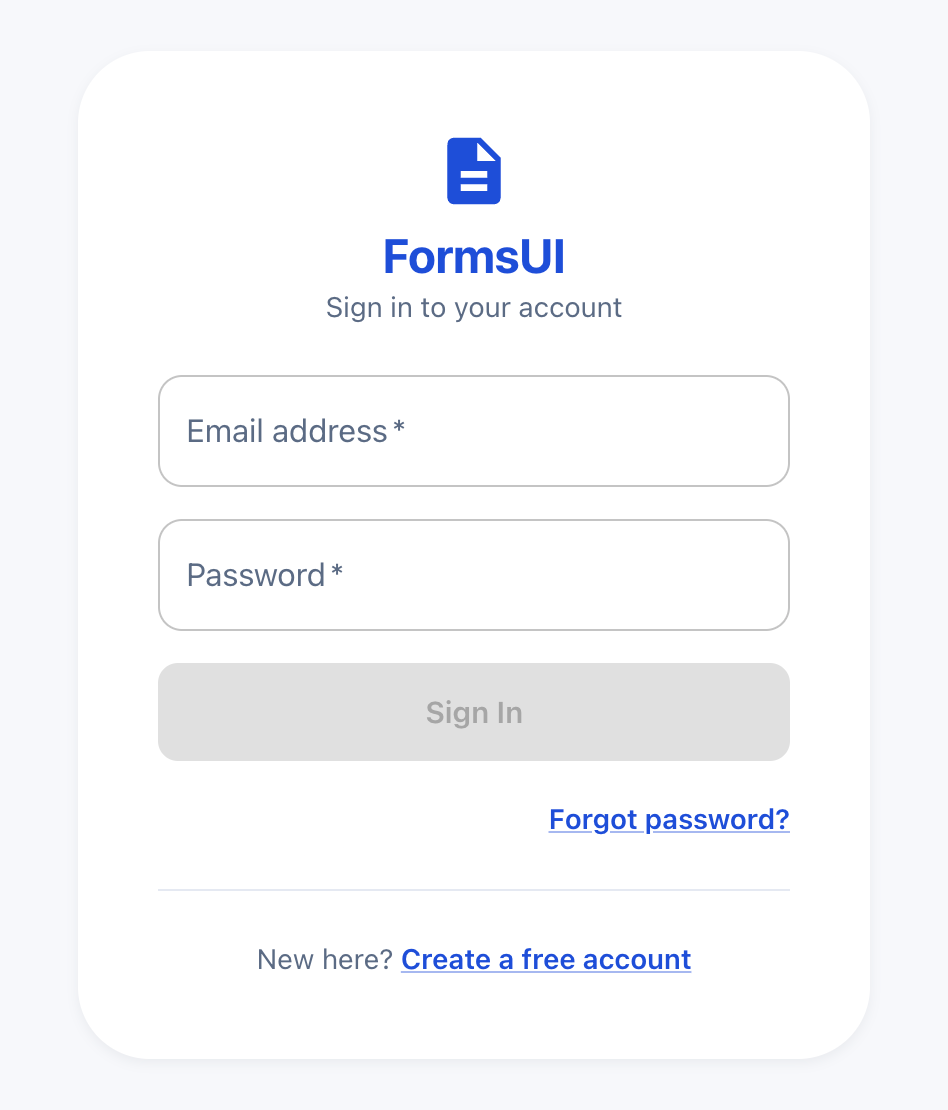 A FormsUI account signs in here, on
 formsui.com. A CivicPort account signs in on forms.civicport.io instead.
Enter your email and password. If you have turned on two-step sign-in, you are then asked for the 6-digit code from your authenticator app.
The code step expires after fifteen minutes. If it does, Use a different account takes you back to the password, which is the only way forward.
Forgot password
Forgot password? on the sign-in page.
- Enter your email. FormsUI emails you a 6-digit reset code (a code, not a link).
- Enter the code and choose a new password.
- You are signed straight in. If your account uses two-step sign-in, you are asked for your authenticator code first.
If you go back to the sign-in page while a reset is in progress, it offers to take you to the code step, so a half-finished reset is easy to pick up again.
Signing out
From the account menu in the header. Signing out also forgets which workspace you had selected, so the next person to use the browser starts clean.
Changing your details
Your name and password are changed from Account settings.